

The IoT industry is booming, influencing various fields from vape devices and smart cars to complex security systems and healthcare solutions, including opportunities to develop a mental health app.
Yet, it’s not only about a device. Developing a stable and user-friendly IoT companion app is an integral part of the overall success. Even if you have a top-notch product from a technical point of view, yet, poor companion app development can ruin the whole user experience.
Basically, there are three main steps behind the IoT integration:
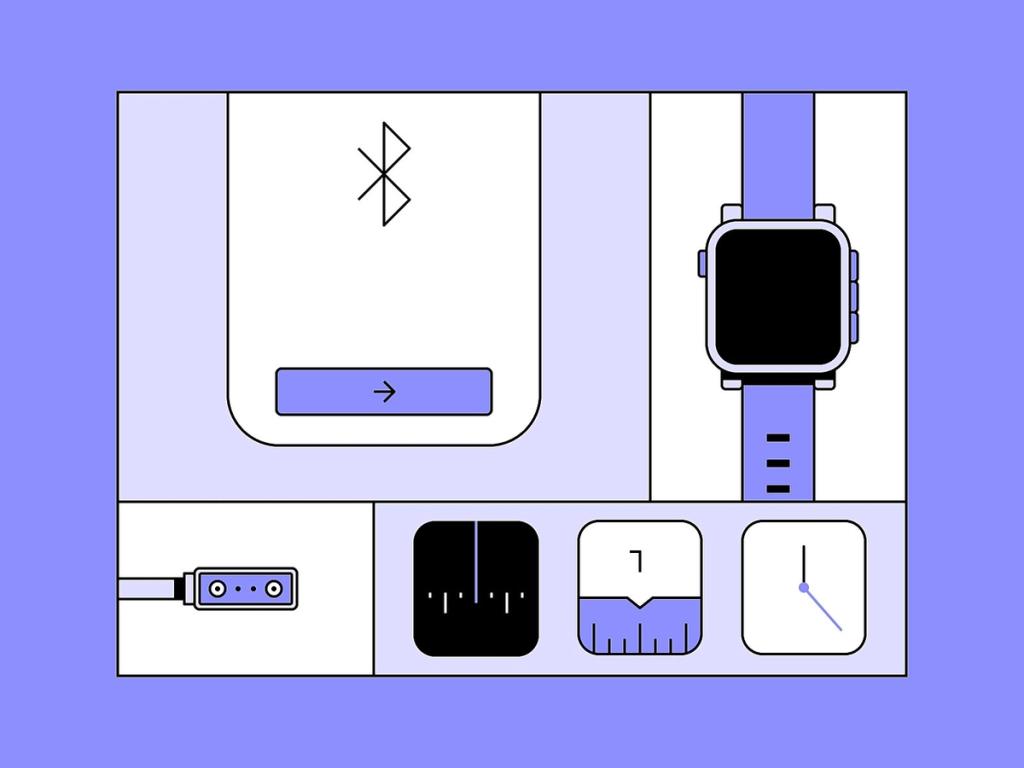
- Setting up an IoT or BLE (Bluetooth Low Energy) module and creating a device, this process often begins with IoT prototype development.
- Creating software for a smart device — a so-called “companion app”.
- Connecting the app with the module.
In this article, we’ll share our tips & expertise on how to create a companion app for an IoT device, which can be useful across various industries including the application of IoT in manufacturing and for agriculture IoT devices to enhance efficiency. Also, we’ll address some BLE specificities for mobile apps along with the issue of hardware and software connectivity. Let’s dive into it!
❓ How to Create an IoT Companion App: Where to Begin?
First of all, let’s agree on what a companion app is. It’s a software solution that connects the user’s mobile device and your smart device.
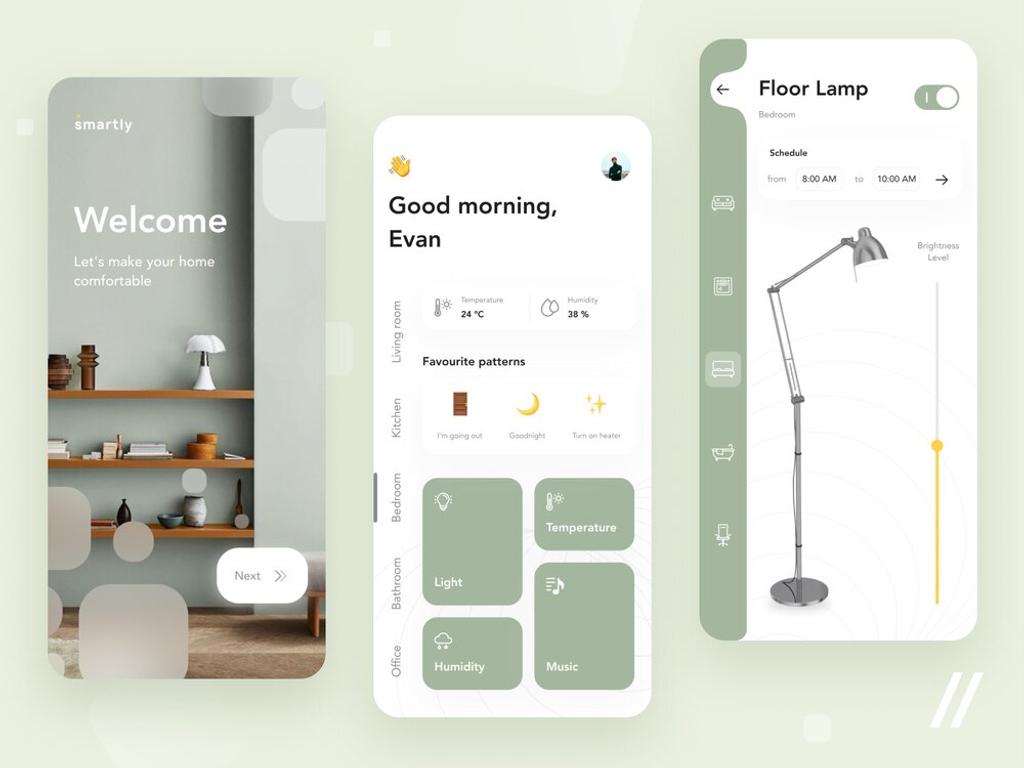
As almost every person has a smartphone, the most convenient way for them to manage IoT devices is a specifically created IoT application. Whether it’s smart home devices, health monitoring, or managing simple LED lights, an app makes it easier for users to operate the IoT/BLE modules in connected devices.
For example, a pill reminder app can sync with BLE-enabled dispensers, ensuring users never miss a dose.
The amount of generalized information often makes you lose your compass. What are the steps that should be considered for an IoT companion application development? Let’s figure out the plan:
- Gather the info for your Tech Team
- Find a Tech Partner for your project
- Select the Tech Stack that fits your business needs
- Consider taking assistance from well-known IoT platforms
Let’s take a closer look at each step!
Step 1: Gather the Info your Tech Team will need
First of all, gather all the required information about the IoT device(s) (including low power IoT devices) you’re building an app for, whether it’s for agriculture, health monitoring, or developing connected car apps, including data from beta testing phases. It’ll significantly enhance the companion mobile app development process if you provide the essential data from the start.
How do you know what kind of information you need to gather? Just ask your Tech Team as they’re the ones who’ll need it.
However, if you don’t have a Tech Partner yet, you should look for a top hardware mobile app development company.
When working on companion app development projects, our developers usually ask for the following information — and that’s what you’ll be most likely asked anyway:
- Number of different wearables devices you need to connect (most often, the answer is 1, but, for example, we had some projects where we needed to connect several different workout machines to a single fitness application).
- The way your IoT device functions: the general description of how it’s used, for what purposes, how often it’s supposed to be used, the expected length of one session, etc.
- Connectivity protocol that it uses to exchange data. The data exchange between a module and an app is achieved with the help of specified IoT protocols — the “languages” for proper machine communication. So in case you have several connected devices, it’s vital to determine every protocol for the data transmission. Evaluating the difference between Bluetooth and ANT is critical when selecting communication protocols for devices with specific connectivity needs.
- If there are several different devices to connect, describe both their features and differences.
- Сommands your IoT device gives and receives.
The information that may be essential is not actually limited to the list presented above. You may encounter many more various questions from your Tech Team, however, you shouldn’t be frightened. The clearer your answers are, the easier it is for your Tech Team to build the companion app you need.
Step 2: Find a Tech Partner or create an In-House Team
Your Technical Team configuration is another thing you’d better start thinking about early on. There are a bunch of options to choose from that will really dramatically influence the success of the whole project.
On the highest level, this task has 2 main solutions — you either create your own in-house team or partner up with a remote development agency. Of course, there are many other smaller configurations in between: from outstaffing a single remote worker with special expertise to your in-house team to outsourcing a specific development flow. If you are considering how to build a companion app, it's crucial to evaluate the benefits and potential challenges of each approach.
To cut a long story short, we made a comparison table to highlight the benefits and potential challenges of each approach:
As you can see, both approaches to team structuring have their advantages and possible pitfalls. Yet, it’s not about choosing between better or worse — different options just suit different contexts.
A Remote Tech Partner can help you quickly deliver your MVP (Minimum Viable Product) to test your hypothesis, ensuring an efficient IoT app development cost structure and timeline. However, if you already have a stable income, a big scope of work, and a well-planned roadmap, it may be the right moment to start building your in-house team to stay with you for years.
Step 3: Determine your project’s Tech Stack
With the assistance of your Tech Partner, select a suitable Tech Stack for your IoT mobile app. Your Tech Stack will depend on the platform (Android or iOS), the project’s technical requirements, desired set of features, etc.
While some tools are just necessary to enable the functionality you need, others can significantly speed up the development process. For example, we at Stormotion create companion apps with our magic React Native skill sets, using the react-native-ble-plx library. The set of features provided by this library contains RSSI readings, BLE device scannings, observing adapter states of the device, and so on.
In case you need to integrate a BLE device in an app you create using the React Native framework — check out the main things you should consider in one of our previous articles presented down below:
As an existing analogue for an open-source UI framework there is Flutter that with the help of flutter_reactive_ble plugin grants you every aspect of functionality for your future application.
📌 If your project involves wide-area networks, understanding how to implement LoRaWAN can help ensure you choose the most effective connectivity stack.
🛠️ BLE Specificities for a Companion App
We at Stormotion have already delivered IoT/BLE companion apps for our clients through our BLE mobile app development services. The range of products we’ve worked on includes exercise machines, boat engines, vaping devices, etc. Thus, we’d like to share our expertise and clarify some Bluetooth LE specificities in developing a companion app, emphasizing our experience and insights into how to create a companion app.
Keeping in mind these specificities will certainly make your experience with BLE integrations slightly easier to predict as well as enhance the developing process of your project. For more information on BLE devices on the Web, you can check out our detailed guide.
📱 Inspiring Companion App Examples
In this section, we’d like to showcase some mobile apps that may inspire you or even light a path for your upcoming projects, especially if you're looking to make companion apps for the outstanding IoT modules available in the world today.
These examples are particularly relevant for businesses working on IoT based wearable apps, as they highlight innovative approaches to user engagement and device connectivity.
The August Smart Locks
August Home company offers upgraded solutions for customers’ door locks to achieve smarter home access and convenience. One interesting Android BLE example is the August Smart Lock app, which leverages BLE to provide secure and seamless door locking and unlocking functionalities via a smartphone. The app provides the next set of features to its users:
One of the notable features is the auto-unlock system. With the help of a companion app, users are able to open their doors without the need of reaching for the keys the second they approach. With the help of Bluetooth, Wi-Fi, and GPS, the August app tracks your phone’s location and automatically opens the door as soon as you approach at the required distance.
You can read our article on the BLE vs classic Bluetooth comparison if you’d like to know more about their use cases.
How does it work? There are two possible state sets for a user by the August App: Home and Away. Whenever the user is tracked being at home, the Home mode becomes active and the Auto-Unlock feature turns off. However, as soon as the user moves at least 200 meters away from home the Away state becomes active. In this mode, the lock will automatically open the door when the user comes close up to 5 meters to the doorway.
Breezing
Another interesting project is a medical device for measuring a patient's metabolism REE (Resting Energy Expenditure). The innovative part is that the device represents a breathing mask that allows measuring the REE with incredible accuracy just from the breathing pattern. As traditional REE calculators give a general estimate based on a patient's parameters such as height, weight, age, and the frequency of activities, Breezing device makes gathered data more specific depending on the person's performance.
Firstly, the companion app for such a project had to have a patient’s sign-up page with clear further instructions on how to:
- correctly calibrate the device;
- prepare a patient for a Breezing test;
- insert the cartridge into the device’s sensor slot.
The main point of the app was to record the test results for every signed-up patient with further storing them in the cloud for clinical expertise.
However, besides the usual result dashboards, there’s a test history feature that was designed to compare three diagrams: estimated TEE (Total Energy Expenditure), MSJE (Mifflin St. Jeor equation), predicted REE, and measured REE. This decision allows patients to visualize and objectively compare their measurements with the estimates provided by other authoritative tests.
📌 Read also our guide on how to replace the default companion app with a branded one.
⚙️ Our Expertise in Mobile App Development: Platoon Fit, SportPlus & Norsk
We at Stormotion have great expertise in creating companion apps for our clients. In this section, we’d like to share case studies of our IoT-related and BLE app development projects — Platoon Fit, SportPlus, and Norsk.
Platoon Fit 🏋️
Alex Obe — the creator of Platoon Fit — is a fitness trainer that provides various guides and workouts for personal workout sessions. Despite emphasizing video content, Alex required a companion app for his platform that could track and conveniently transfer data from BLE sensors directly to the app’s interface. The required data includes cadence, heart rate, charge state, inhale numbers, etc.
In 24 weeks our team managed to achieve an enhanced user experience with interactive dashboards, video integrations, and fast data transmitting system from the connected BLE sensors. We created a companion app that fulfilled every customer’s requirement with a convenient data presentation and left no place for the unnecessary. To take a deeper look at our Platoon Fit case study you can click the link below:
SportPlus 💪
SportPlus is a notable project on Stormotion's IoT mobile app development services showcase. The company that offers home fitness equipment required a mobile application that would be compatible with all their physical devices. However, there was a challenge waiting for our tech team to solve. As provided equipment includes various exercise devices, each machine may use a different protocol to communicate, even despite the visual similarity.
Our task was to deliver a companion app that takes into account every possible device protocol and is able to create unique sets of bytes to establish proper communication. The solution was to connect already existing mobile applications to the equipment to see the correct order and format for the bytes transmission. Thanks to this, we managed to take into account every protocol and successfully create a companion app for IoT.
Norsk 🚤
Norsk Lithium is another amazing case study for a BLE-involved companion app that our team created. Based in the USA, Norsk develops and sells batteries designated for outdoor activities including open-water fishing, ice fishing, and camping. Despite these batteries being designated for the boats, they also do a great job charging your phone or powering any accessory you need.
In this project, the task for our team was to create a companion app for these batteries with the integration of BLE modules. The app contains essential information to track the battery’s state along with the possibility to unite displayed batteries that are used in the same boat. The information presented in customized dashboards tells the client about the battery charge level, its voltage, temperature, rated capacity, etc.
There’s no better proof than client feedback — here’s their take on the collaboration 👇
Thanks to integrating BLE features, there’s also a possibility to track battery malfunctions, a crucial aspect of the development of a battery management system. They’re further sent to tech support in order to get fixed in a nick of time.
We've worked on several projects and understand Lime-like app development cost. Discover the details in our comprehensive guide.
💡 Takeaways
In conclusion, we should point out one more time the brief plan on how to develop a companion app for your Internet of Things device:
If you have any questions or need help with companion app development for your IoT/BLE product, let us know. We will be happy to help you meet your business needs with an outstanding product!